Exposing the Risks of Open Ollama APIs
The Problem
Ollama is a popular API service that runs locally on your machine so you can use AI models without external cloud infrastructure. It operates on port 11434 and is accessible via http://localhost:11434.
The issue is that Ollama has no built-in authentication. That is not a vulnerability on its own but it becomes one the moment the port is reachable from the internet. Anyone who finds it can use your models and your hardware without asking.
What Can Go Wrong
Without authentication and with an open port, an attacker could:
- Interact with your AI models
- Download models running on your machine
- Execute tasks using your hardware resources
If you run Ollama on a rented GPU box the bill still arrives whether or not you used it. Somebody else did.
How I Found This
The ollama serve command tells you the service is already running as soon as Ollama is installed and active. So I checked the scale of this exposure with FOFA which is a cyberspace search engine.
I searched for machines exposing port 11434 with the query "Ollama is running" && port="11434". That signature works because the root endpoint of a default Ollama install returns exactly that string so it is a reliable way to find live instances.
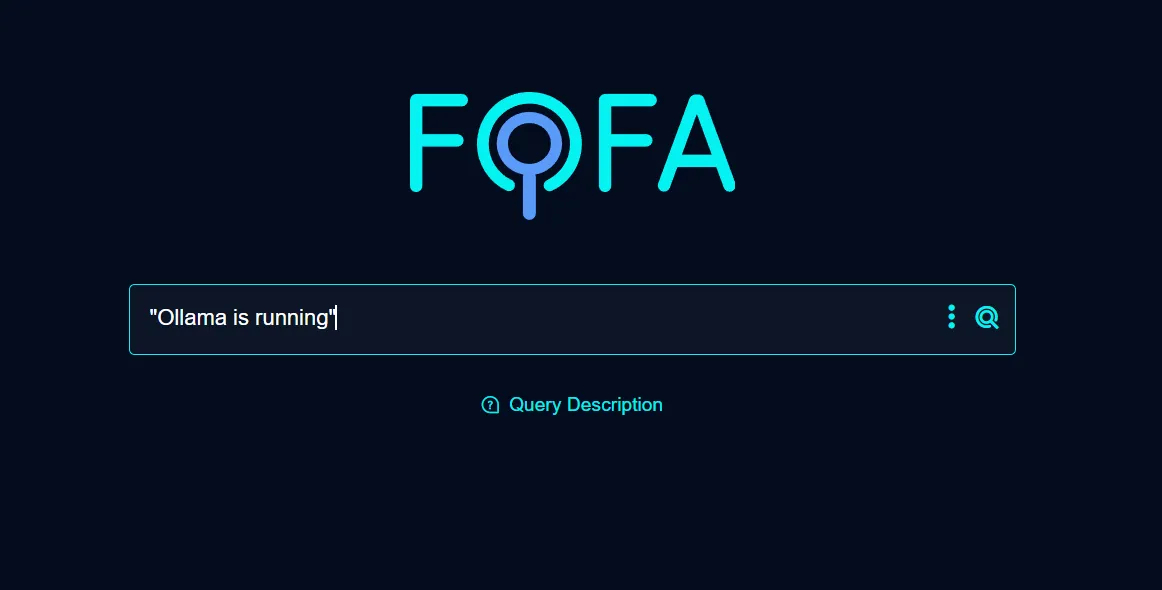
The search returned 65,766 exposed hosts.
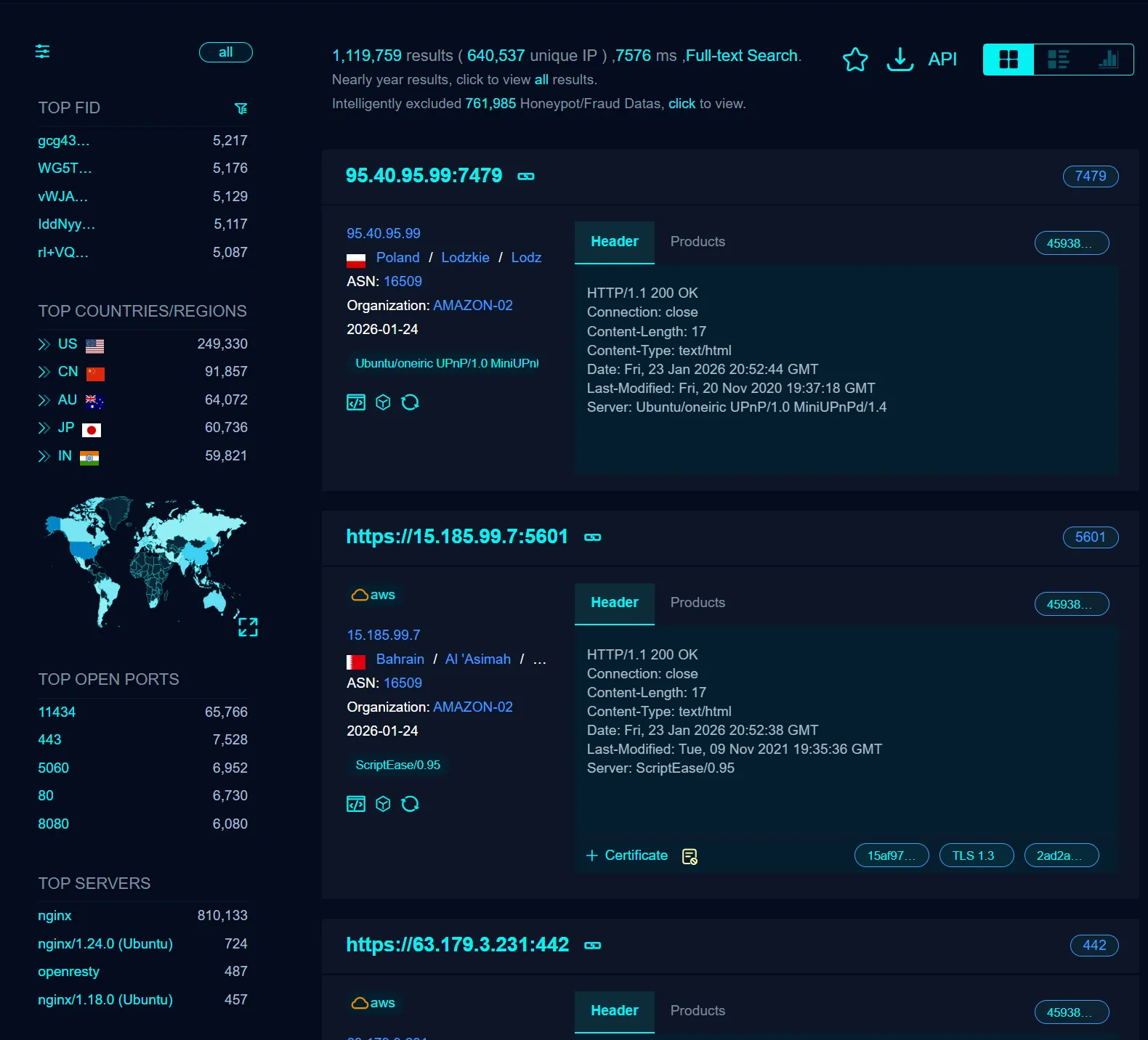
- Open port 11434 was reachable on every one of them
- I could read models and send requests to their GPUs
- Many were on expensive hardware and the owner had no idea
How to Protect Your Ollama Service
If you use Ollama, take these steps to secure your service:
1. IP Whitelisting
Use a firewall and allow only the IPs you trust.
2. Add an Authentication Wrapper
Put a proxy in front of it that asks for a token before it forwards anything.
3. Disable Public Port Access
Bind it to 127.0.0.1 so the port is not reachable from outside the machine.
Conclusion
This is not about blaming Ollama. It ships a local service and that is the correct default. The problem starts when a local service ends up on a public IP and nobody checked. Twenty minutes with a firewall is the whole fix.