Exposing the Risks of Open Ollama APIs
The Problem
Ollama is a popular API service that runs locally on your machine, letting you use AI models without relying on external cloud infrastructure. It operates on port 11434 and is accessible via http://localhost:11434.
Here’s the issue: Ollama has no built-in authentication. While this isn’t a vulnerability in the traditional sense, it creates a significant risk. If your machine’s port is exposed to the internet, anyone can access your Ollama service and use your resources without permission.
What Can Go Wrong
Without authentication and with an open port, an attacker could:
- Interact with your AI models
- Download models running on your machine
- Execute tasks using your hardware resources
For developers with high-performance machines or those running on cloud providers, this could lead to significant resource usage and unexpected bills.
How I Found This
While exploring the ollama serve command, I realized the service is already running if Ollama is installed and active. I decided to check the scale of this exposure using FOFA, a cyberspace search engine.
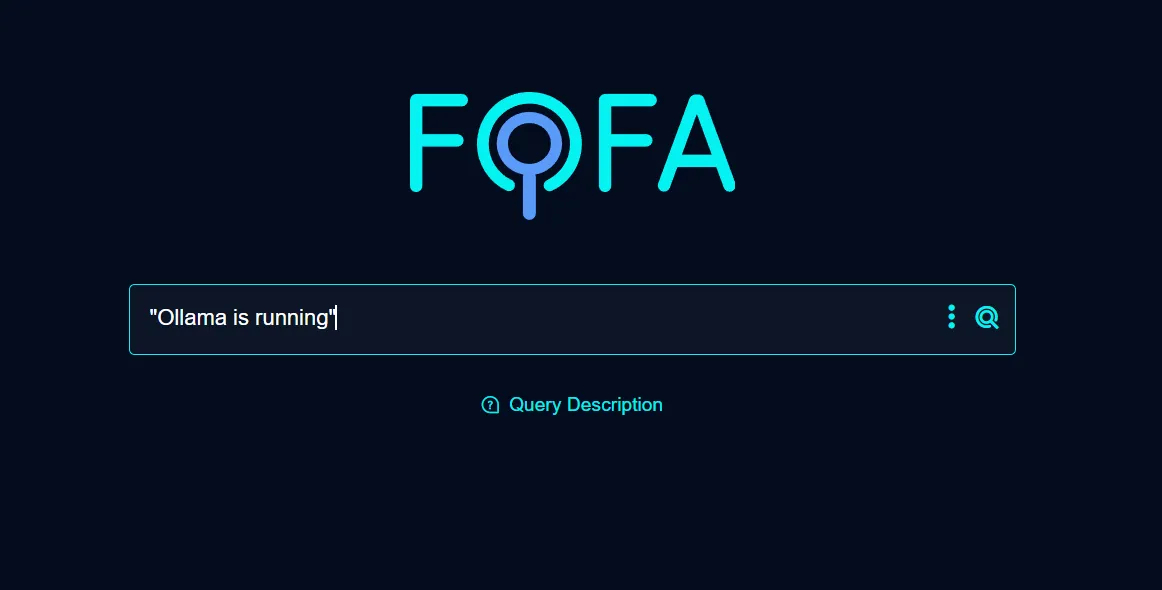
I searched for machines exposing port 11434 with a simple query: "Ollama is running" && port="11434". I chose this specific signature because when you access the root endpoint (/) of a default Ollama installation, it returns exactly that string confirming the service is active.
The results were concerning. The search returned over 60,000 exposed hosts:
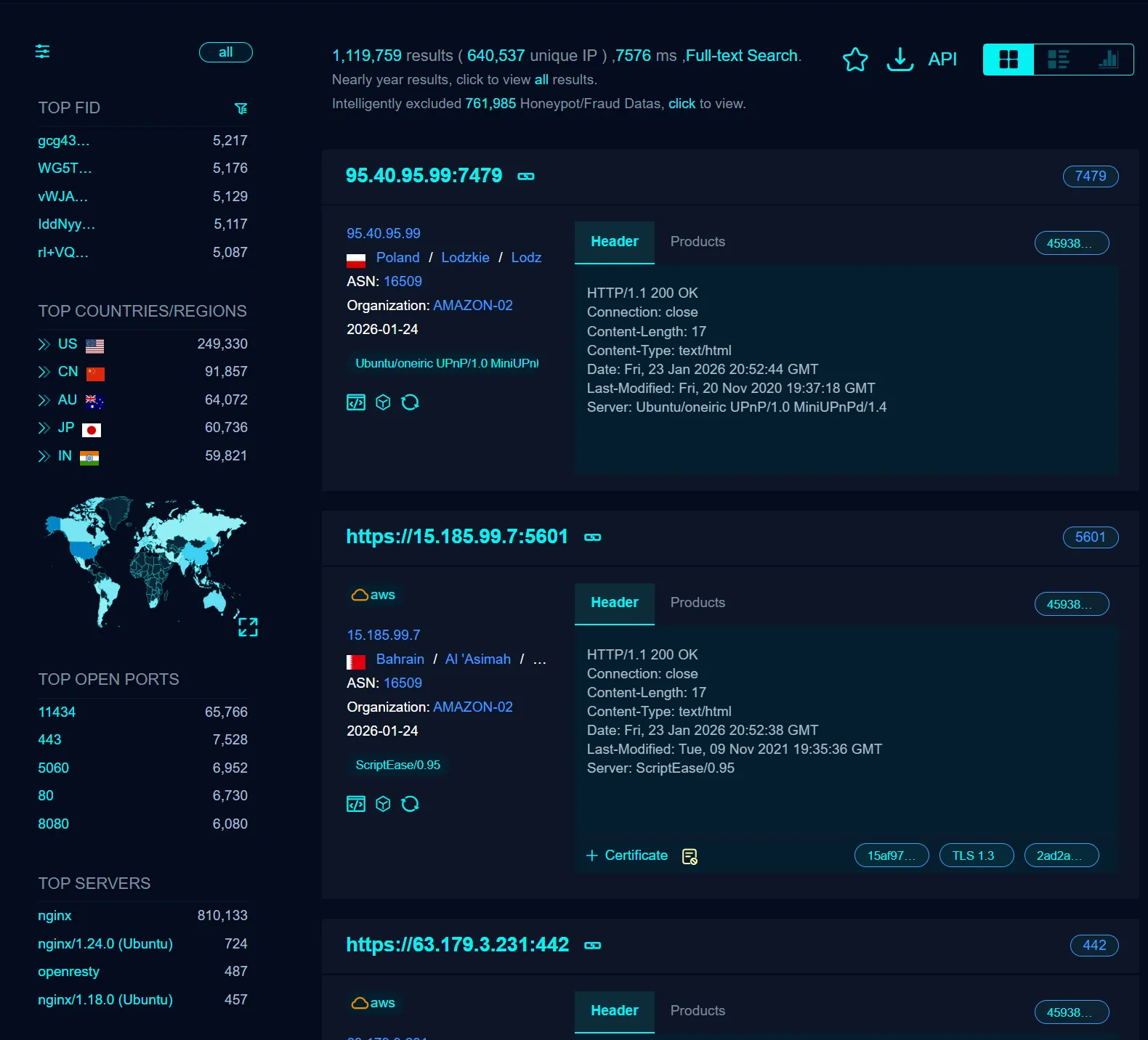
- Several machines with open port 11434 were publicly accessible
- I could interact with exposed endpoints, download models, and use their hardware
- Many instances were running on high-powered setups, likely without the owner’s knowledge
How to Protect Your Ollama Service
If you use Ollama, take these steps to secure your service:
1. IP Whitelisting
Use a firewall to restrict access to trusted IPs only.
2. Add an Authentication Wrapper
Implement a wrapper or proxy service that requires authentication before interacting with the Ollama API.
3. Disable Public Port Access
Ensure port 11434 is not accessible from the internet. Configure it to allow local access only.
Conclusion
This isn’t about blaming Ollama—it’s about understanding the risks of running local services without proper network configuration. By implementing basic security measures, you can protect your system from unauthorized access and ensure your resources stay yours.
Enjoyed this post? Buy me a coffee ☕ to support my work.
Need a project done? Hire DevHive Studios 🐝